1
Product identity
Source product information
Actual item and packaging
Ad concept to inspect
Check that shape, color, and label still match
Product ads
An ai product ads generator can help you explore how the same product looks in different ad concepts. Start with the product, the audience, and one message; then judge whether the resulting creative makes the item and its offer clear.



Drag the divider to compare a straightforward product view with a styled ad concept. This is a visual comparison, not evidence that either version converts better.
Keep the product identity consistent when comparing versions. If the bottle, label, or packaging changes, the test is no longer just about presentation.
A more polished product ad can still omit the detail a shopper needs. Compare each draft against the source material before treating it as campaign-ready.
Source product information
Actual item and packaging
Ad concept to inspect
Check that shape, color, and label still match
Source product information
A substantiated reason to choose it
Ad concept to inspect
Check that the headline preserves the intended benefit
Source product information
Current price or promotion, if supplied
Ad concept to inspect
Check every displayed number against the live offer
Source product information
Correct size, color, or model
Ad concept to inspect
Check that the pictured variant matches the destination
Source product information
Approved reviews or documented claims
Ad concept to inspect
Remove unsupported ratings, results, or endorsements
Source product information
A relevant product destination
Ad concept to inspect
Check that the call to action fits the landing page
Choose the creative route that fits the job. Product-focused ai ad creatives need an identifiable item, a defensible message, and room for the information that matters.
You need still-image concepts that keep one catalog item recognizable across several angles.
For a broader view of image-led ad concepts, see ai ad generator; it covers creative exploration beyond a single product presentation.
ai ad generatorA product demonstration needs movement, pacing, and a spoken or on-screen explanation.
The ai video ad generator page explains when a moving product story is a better fit than a static ad.
ai video ad generatorYou want references for different ways to frame a benefit before drafting a brief.
Browse what is ai ad creatives examples for distinct creative approaches you can evaluate against your product.
what is ai ad creatives examplesThese images illustrate directions for a brief, not verified results from the prompts below. Use the input text to compare composition and message, then check any finished product ad against its source.
 Product focus
 In context
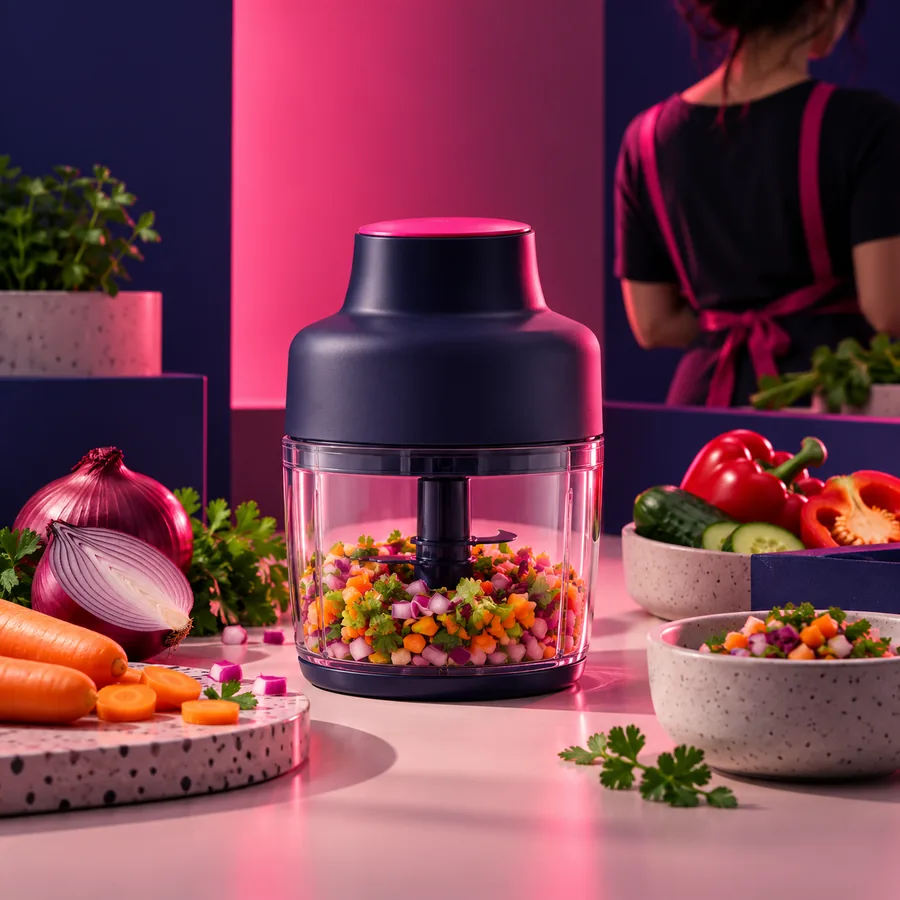 Clear message
Treat generated ai ad creatives as drafts. A short review protects product accuracy before you compare audience response.
Compare the creative with the product listing or approved image. Inspect packaging, variant, color, and any text shown on the item.
Confirm that benefits, prices, reviews, and promotional language are current and supported. Remove anything you cannot substantiate.
Check that the call to action leads to the relevant product information. If you test variants, change one major creative element at a time.
Describe the item, its intended audience, and one approved message. Use Aiadcreatives to explore a direction, then review the resulting ai ad creatives for product fidelity and claim accuracy before using them in a campaign.
Start with a precise product description, the audience, and the main message you are authorized to make. Include relevant details such as the correct variant and any visual requirements. Check the resulting concept against your actual product information.
Only use a price, promotion, or rating that you can verify for the advertised product. Generated copy and imagery can introduce details that were not in your brief. Review those details before publishing.
Keep the product, audience, placement, and destination consistent. Change one prominent element, such as the background or headline, so the difference is easier to interpret. Judge the variants using your own campaign results rather than appearance alone.
A static ad can suit a product whose appearance and key message are understandable at a glance. Video may be more useful when a demonstration or sequence is essential. Choose based on the product story and the placement you plan to use.